11 robots · humanoids, quadrupeds, an arm · BSD-3-Clause
Unitree robots in URDF, MJCF and MuJoCo
Every Unitree robot with a published description, in one place — the G1 and H1 humanoids, the Go2 and B2 quadrupeds and the rest of the line — each as the URDF Unitree keeps in its own repositories or the MJCF DeepMind tuned for MuJoCo. Open one in a tab, simulate it, check the numbers in its file, download it as a 3D model, or take a movement from here to the Unitree SDK.
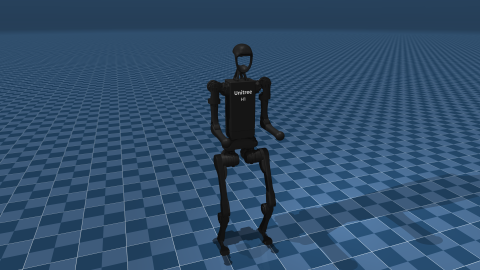
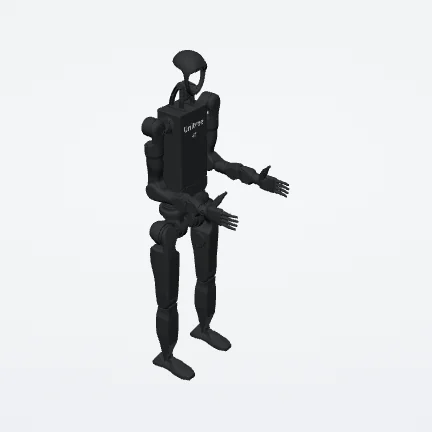
Humanoids
3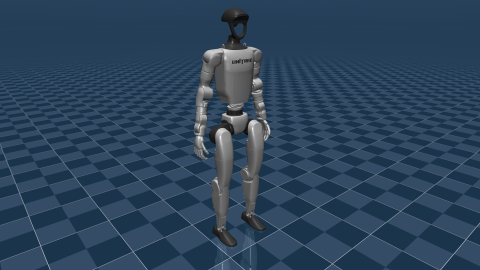
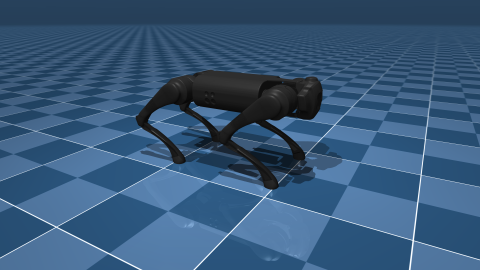
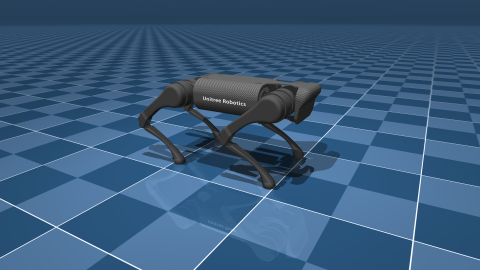
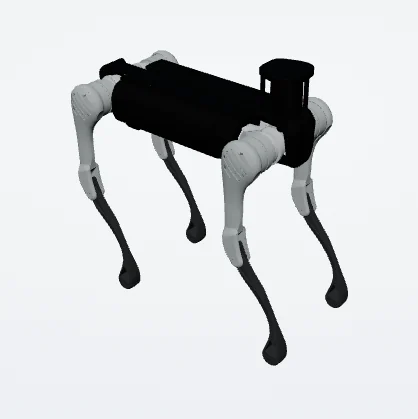
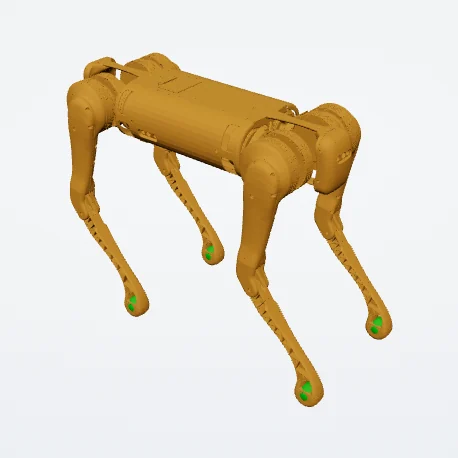
Quadrupeds
7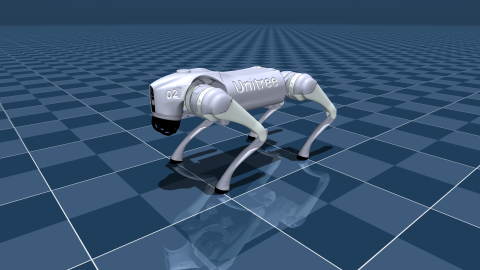
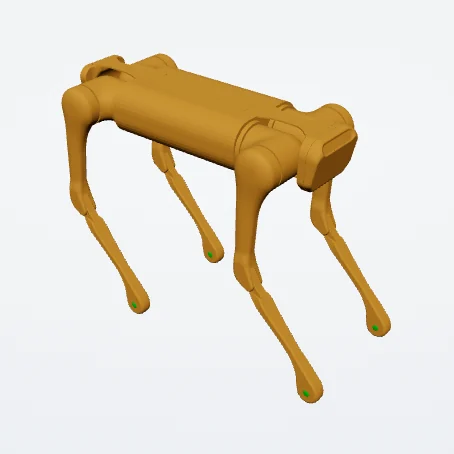
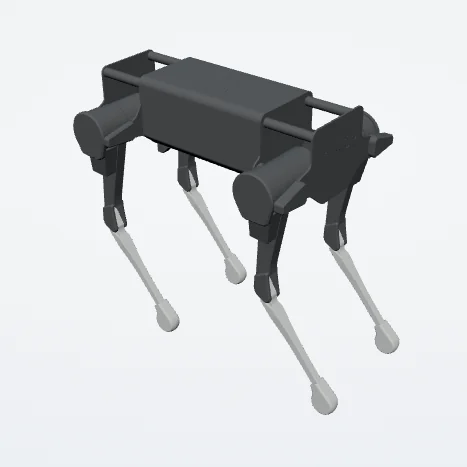
Arm
1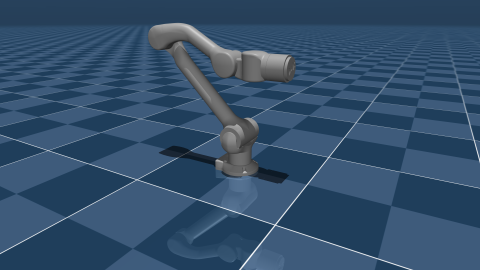
What each description says
Read from the files the viewer opens rather than from a brochure: the joints that move — not counting the floating base of a walking robot, or joints that only follow another — the links, and the mass the links add up to. Where a file and a specification sheet disagree, the file is what a simulator will use.
| Robot | Written in | Joints that move | Links | Mass in the file | Taken from |
|---|---|---|---|---|---|
| Unitree G1 | MJCF | 29 | 30 | 33.3 kg | MuJoCo Menagerie |
| Unitree H1 | MJCF | 19 | 20 | 51.4 kg | MuJoCo Menagerie |
| Unitree H1-2 | URDF | 39 | 58 | 67.4 kg | unitreerobotics/unitree_ros |
| Unitree Go2 | MJCF | 12 | 13 | 15.2 kg | MuJoCo Menagerie |
| Unitree Go1 | MJCF | 12 | 13 | 12.7 kg | MuJoCo Menagerie |
| Unitree A1 | MJCF | 12 | 13 | 12.5 kg | MuJoCo Menagerie |
| Unitree B2 | URDF | 12 | 37 | 74.6 kg | unitreerobotics/unitree_ros |
| Unitree B1 | URDF | 12 | 36 | 62.6 kg | unitreerobotics/unitree_ros |
| Unitree Aliengo | URDF | 12 | 31 | 24.9 kg | unitreerobotics/unitree_ros |
| Unitree Laikago | URDF | 12 | 14 | 25.2 kg | unitreerobotics/unitree_mujoco |
| Unitree Z1 | MJCF | 6 | 7 | 4.4 kg | MuJoCo Menagerie |
Unitree in MuJoCo
Six of these robots — the A1, Go1, Go2, G1, H1 and the Z1 arm — are in DeepMind's MuJoCo Menagerie: MJCF written for MuJoCo by people who simulate for a living, with actuators, contact settings and a scene to stand in. The other five come from Unitree's own repositories as URDF. Either way the robot runs in the physics lab on MuJoCo itself, compiled to WebAssembly, in the tab — gravity, contact and the motors its description declares.
Unitree's own simulator is a different thing with a different job.
unitree_mujoco runs MuJoCo on your machine behind unitree_sdk2, in
C++ or in Python, so a low-level controller written for the real robot drives the simulated
one unchanged, motor numbering and all. That is the last step before hardware. What is here
is the step before it: opening a robot, seeing what its file says and trying a movement,
with nothing installed.
URDF for ROS and ROS 2
Unitree keeps its descriptions in unitree_ros, one package per robot under
robots/ — more machines than are listed here, the newer ones included. The URDF
robots on this page are taken from it and from unitree_mujoco, pinned to a
commit and listed only after every mesh they name was found; each robot's page says which
commit.
For ROS 2 the description is half the job, and unitree_ros2 is the other half:
the messages that talk to the robot itself. Every robot here downloads as a URDF folder with
its meshes, and the ros2_control configuration and
MoveIt's SRDF come out of the same file through the viewer's Export
menu.
From a movement to the Unitree SDK
Motion builds a movement on any of these robots — posed key by key, baked from a gait, or retargeted from motion capture onto a humanoid — and checks it against the robot's own description: the torque each joint is asked for against the effort its motor declares, joints resting on their limits, feet sliding.
The result leaves as a Python script for unitree_sdk2_python: joint positions
at 50 Hz, a two-second ramp into the first pose, and a header that says whether the movement
is stable enough to send as a plain position reference or needs a balance controller
between it and the motors. The SDK calls and the motor order are left for you to wire, on
purpose: they differ from robot to robot, and a wrong guess moves the wrong limb.
Unitree robots as 3D models
Any robot here downloads as one 3D file, written in your browser from its published meshes: a GLB with every part in place and named after its link, for Blender, a render or a web page, or an STL in millimetres with Z up, for a slicer. The GLB carries the robot's licence and source inside it, and the pose is the one on screen — move a joint first and the file keeps it.
Common questions
Where do I get a Unitree G1 URDF?
From Unitree: its unitree_ros repository keeps one under
robots/g1_description, beside the URDFs of most of its other robots. The G1 on
this site is DeepMind's MJCF from the MuJoCo Menagerie, and its
page downloads it as URDF as well — converted, with what the conversion could not carry
written at the top of the file.
Can I simulate a Unitree robot without installing MuJoCo?
Yes. Every robot on this page opens in the physics lab, which runs DeepMind's WebAssembly build of MuJoCo in the tab: gravity, contact and the motors the description declares, under a controller you can read and change. Nothing is installed.
Is this the same as unitree_mujoco?
No. unitree_mujoco is Unitree's own simulator: MuJoCo on your machine, wired
to unitree_sdk2, so a controller written for the real robot runs against the
simulated one unchanged — the step before hardware. This page is for the step before that:
looking at the robot, checking its numbers and trying a movement, with nothing installed.
Why do the numbers here differ from Unitree's specifications?
They are read from the description files, not from a brochure. A description can model a hand as one joint or leave it out, keep a joint the product locks, or carry masses an exporter estimated. The table says what the file says, which is what a simulator will use, and the viewer shows every joint and mass it counted.
Can I get a Unitree robot as a 3D model?
Yes. Each robot here downloads as one GLB with every part in place and named after its link, for Blender, a render or a web page, or as an STL in millimetres for printing. Both are written in your browser from the published meshes, and the GLB carries the licence inside it.
What licence are Unitree's robot models under?
BSD-3-Clause, for all eleven here: the licence Unitree publishes its descriptions under, kept by DeepMind for the Menagerie versions. Each robot's page links to the folder it came from — credit that folder if you use the model.
Can I drive a real Unitree robot from here?
Not directly, and on purpose. Motion writes a movement out as a
Python script for unitree_sdk2_python: joint positions at 50 Hz, a two-second
ramp into the first pose, and a header saying whether the movement is stable enough to send
as a plain position reference. The two SDK calls and the motor order are yours to wire.
Where to go next
- Every humanoid in the catalogue — Unitree's beside Apptronik's, Fourier's and Boston Dynamics'
- Every quadruped — the Go2 against ANYmal and Spot, one tab each
- MuJoCo in the browser — what runs in the tab, and what only a desktop install does